Authentication & Setup
Log in, select your game, and configure the plugin for your Unity project.
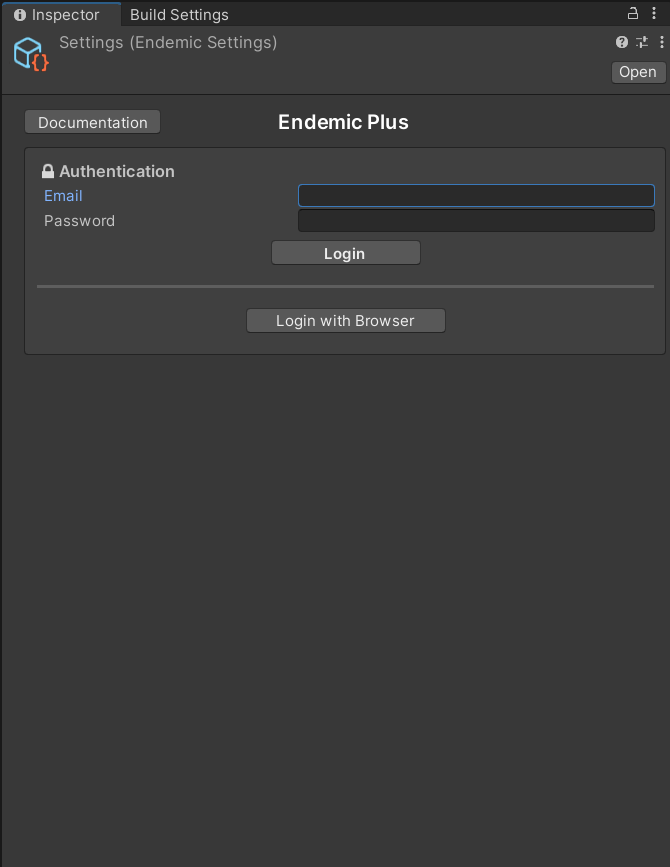
The Endemic Plus Settings panel is where you manage your account, select your game, and configure the plugin. All authentication and project configuration happens here.
Open the Settings panel
In the Unity menu bar, go to Tools → EndemicPlus → Settings. This will select the Endemic Plus Settings asset in the Inspector.
Settings asset created automatically
If this is your first time opening Settings, the plugin will automatically create a configuration asset at Assets/Resources/EndemicPlus/Settings. This file stores your project configuration and should be committed to version control.