Deployment
Build configuration, platform compatibility, and production checklist for shipping with Endemic+.
Before building, walk through this checklist to make sure your Endemic+ integration is configured correctly for production.
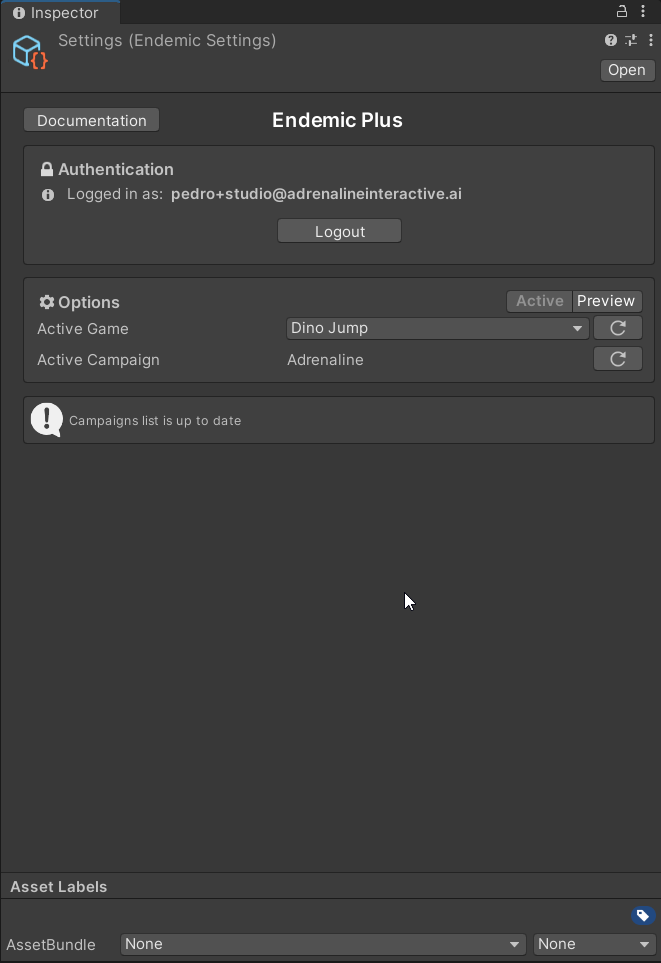
Set mode to Active
Open Tools → EndemicPlus → Settings and make sure the mode toggle is set to Active, not Preview. Preview mode is for testing only.
Verify your game selection
Confirm the correct game is selected in the Active Game dropdown. This determines which campaign and placements are served at runtime.
Confirm placements are linked
Select the EndemicPlus object in each scene and verify that all placements you want active have a valid GameObject assigned in their texture reference field.
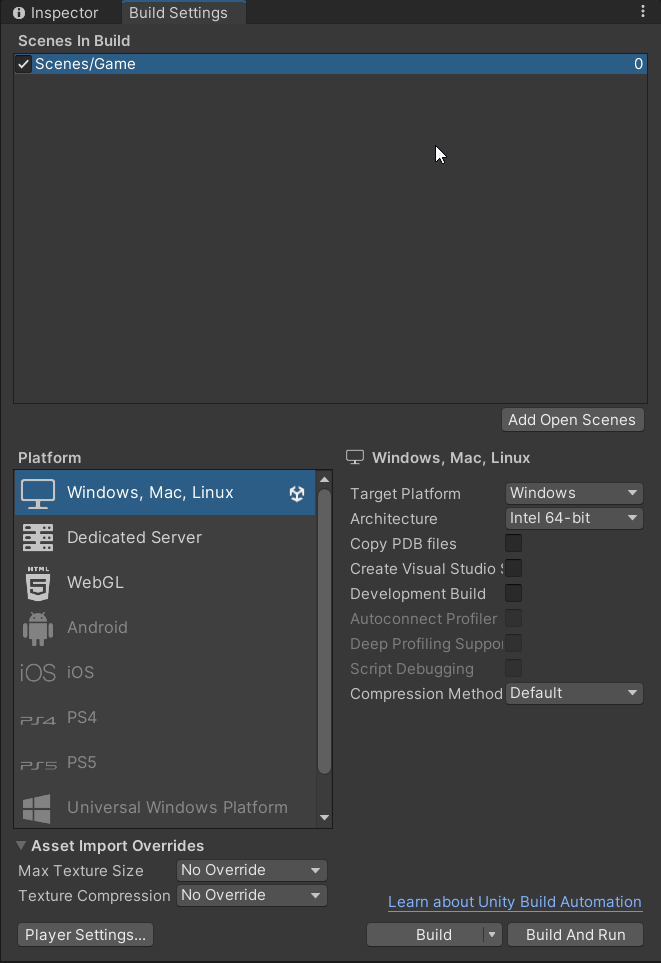
Scenes are in Build Settings
Open File → Build Settings and confirm that every scene containing an EndemicPlus or EndemicTools object is included and enabled in the scene list.