
Add Game Assets
Upload the in-game surfaces you want to make available for brand placements. Assets are the visual elements in your game — billboards, posters, banners, UI elements — that can display brand content.
Once your game is registered on the platform, you can start uploading the in-game surfaces you want to make available for brand placements.
Open your game
Go to the Assets tab
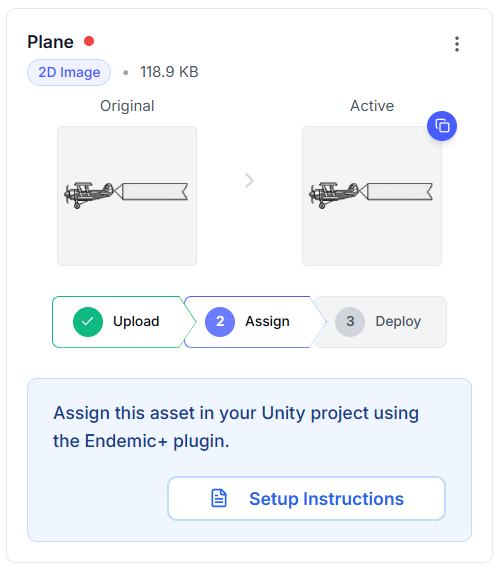
What Makes a Good Asset?
The best assets for brand placements are surfaces that are naturally visible during gameplay and make sense for branded content. Think about where real-world advertising appears and how that translates to your game's world.
Visible
Assets should be in areas players naturally look at during gameplay — not hidden behind objects or in rarely visited areas.
Natural
The best placements feel like they belong in your game's world. A billboard in a city scene or a banner in a stadium feels authentic.
Right-Sized
Assets should be large enough to be readable but not so dominant that they distract from gameplay.