
Accept Campaigns
When advertisers propose campaigns for your game, you create the branded textures that bring their brand into your game world. The advertiser reviews your work to make sure their brand is represented correctly — and nothing goes live without approval from both sides.
When an advertiser proposes a campaign for one of your games, it appears on your Campaigns page. The dashboard organizes campaigns by priority so you know what needs attention first.
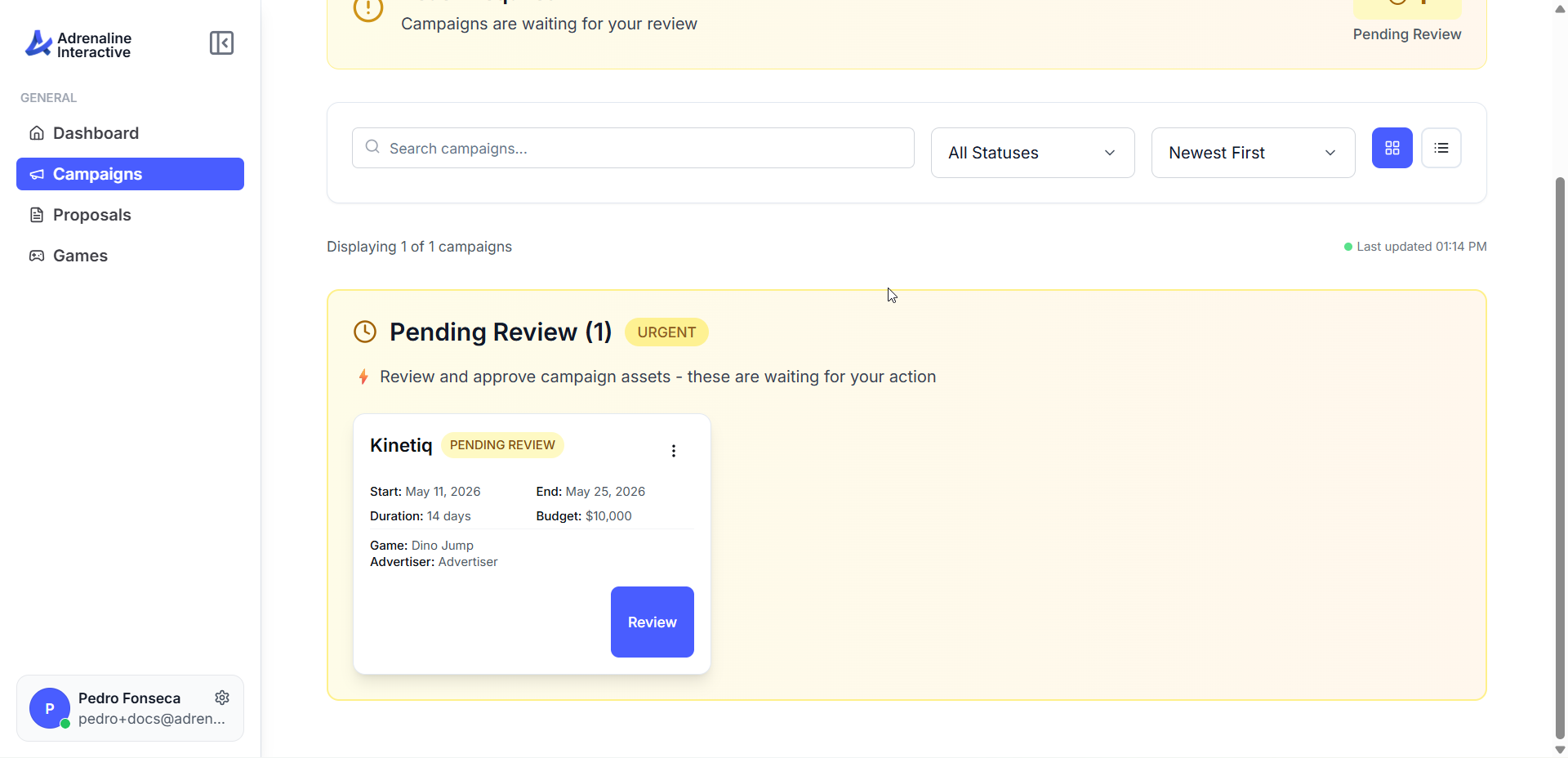
Pending Review (Urgent)
Active Campaigns
Other Campaigns
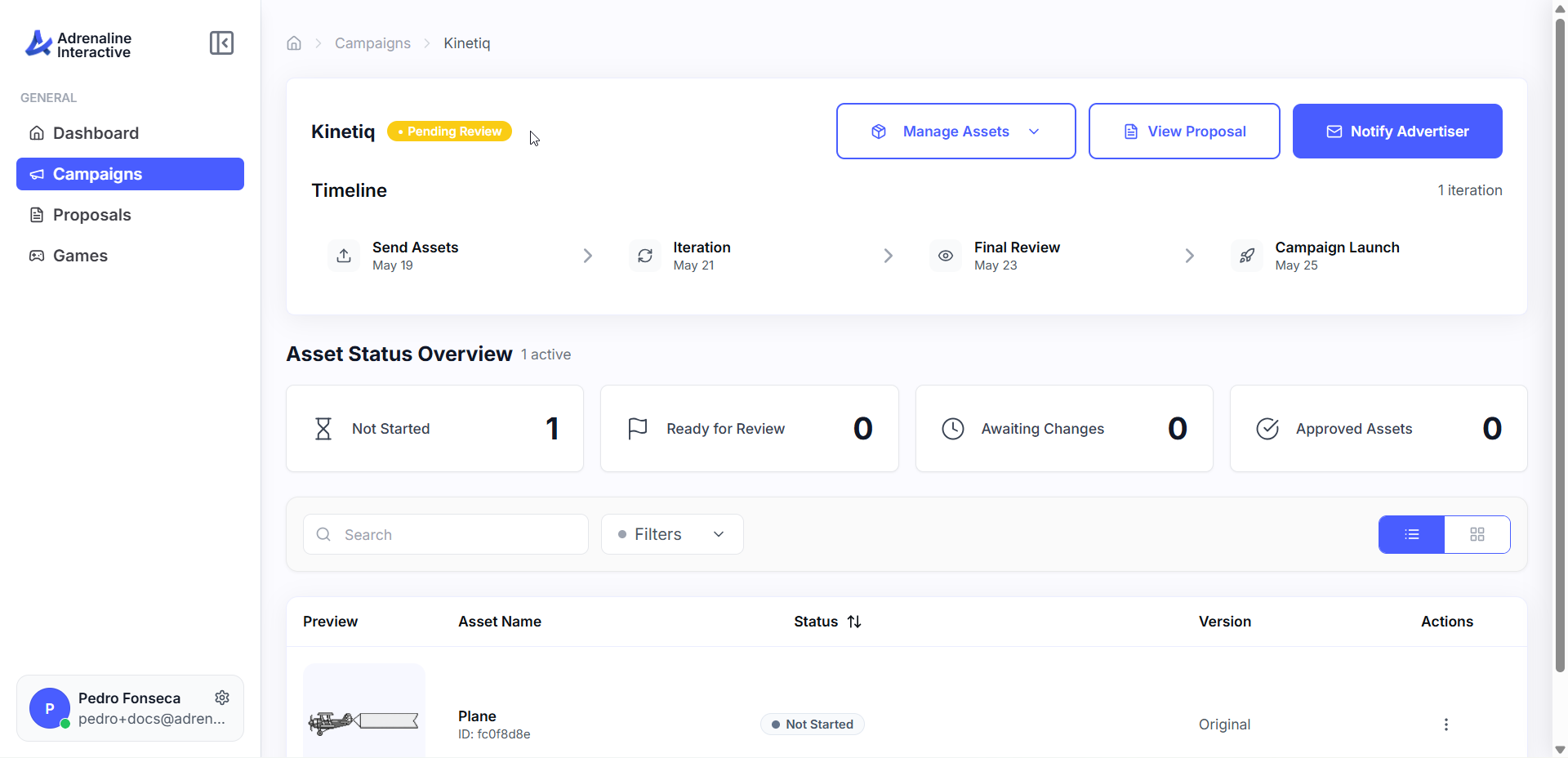
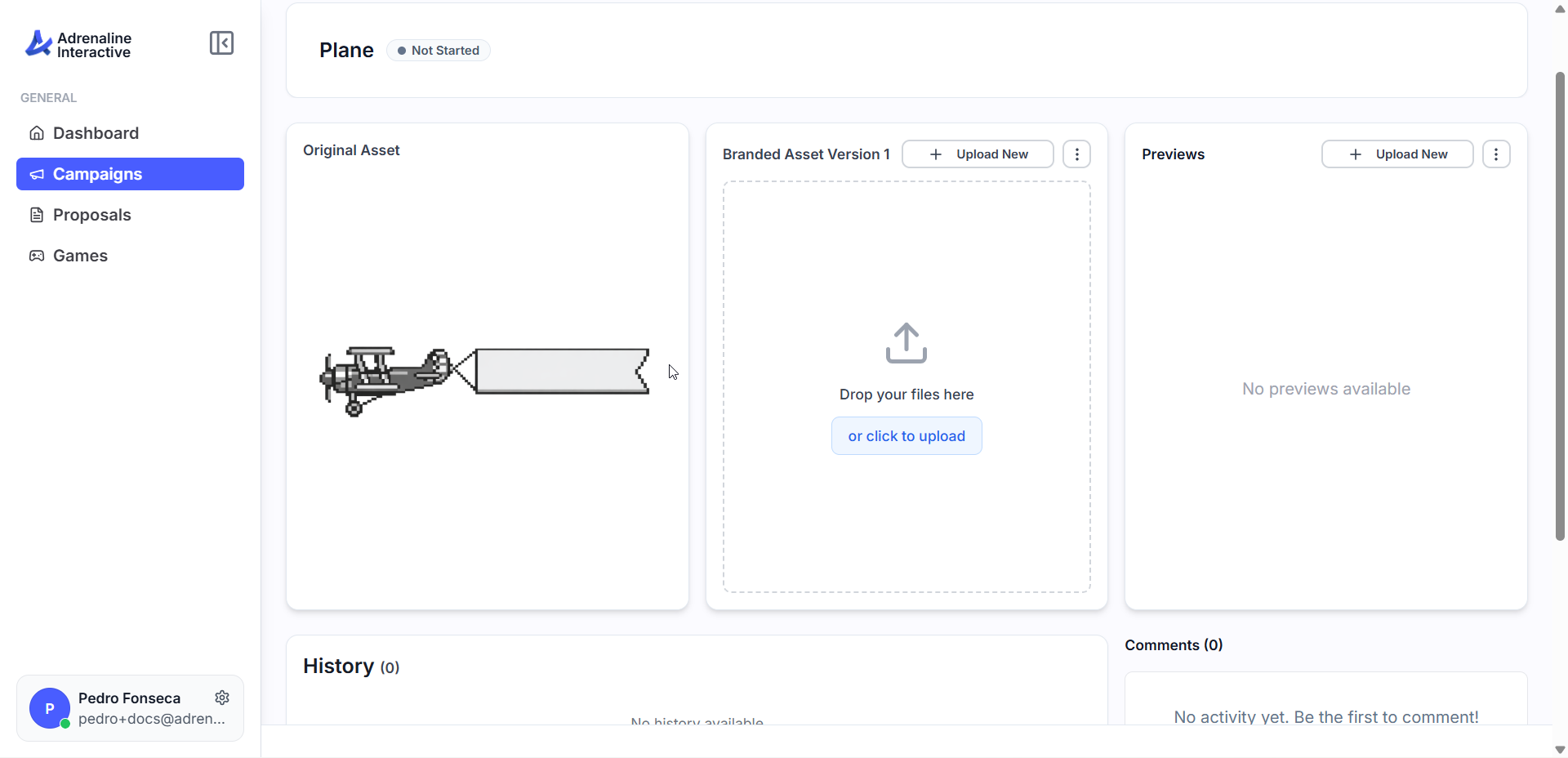
Campaign Status Lifecycle
Campaigns flow through these stages from proposal to completion.
Stage 1
Proposed — advertiser sends a campaign for your game
Stage 2
Accepted — you agree to create branded textures for the campaign
Stage 3
Pending Review — you upload textures, advertiser evaluates them
Stage 4
Approved — advertiser approves all placements
Stage 5
Active — campaign is live and delivering to players
Stage 6
Completed — campaign finishes and originals are restored